
Best ofTeam chat & intranets
Internal Communication Software: Team Chat, Intranet or Broadcast App?
Internal communication software for desk-based teams: Slack, Teams, Google Chat, Zenzap, Troop Messenger and intranets compared, with costs for 25 users.
Disclosure: we may earn a commission if you buy through links on this page. It costs you nothing extra and never decides a quick answer or an Our pick tag. How we make money.

Quick answer
Pick Slack if your team works in channels all day: the free plan keeps 90 days of history and Pro is $7.25/user/mo billed annually1. If you already pay for Microsoft 365 or Google Workspace, use the Teams or Google Chat you already have before buying anything new23.
At a glance
At a glance
| # | Tool | Best for | Starting price | Link |
|---|---|---|---|---|
| 01 | Slack | Desk-based teams that work in channels all day and connect lots of apps | $0; Pro $7.25/user/mo billed annuallychecked 2026-11-21 | Visit (opens in a new tab) |
| 02 | Microsoft Teams | Teams already on Microsoft 365 that want chat, meetings and team sites together | $4/user/mo paid yearly (Teams Essentials)checked 2026-11-21 | Visit (opens in a new tab) |
| 03 | Google Chat | Teams on Gmail and Google Docs that want chat without another bill | $7/user/mo with a 1-year commitment (Business Starter)checked 2026-11-21 | Visit (opens in a new tab) |
| 04 | Zenzap | Small teams that want free team chat with tasks and AI agents built in | $0 for unlimited users; Business+ from $50/mo for up to 5 users, billed annuallychecked 2026-11-21 | Visit (opens in a new tab) |
| 05 | Troop Messenger | Security-minded teams that want cheap secure team chat and a self-hosting option | $2.50/user/mochecked 2026-11-21 | Visit (opens in a new tab) |
| 06 | Simpplr | Companies that want a dedicated intranet with vendor-led setup and training | Quote onlychecked 2026-11-21 | Visit (opens in a new tab) |
| 07 | Workvivo | Culture-focused companies that want news, knowledge pages and recognition in one hub | Quote onlychecked 2026-11-21 | Visit (opens in a new tab) |
| 08 | Staffbase | Organizations that need one intranet for both desk and frontline staff | Quote onlychecked 2026-11-21 | Visit (opens in a new tab) |
| 09 | Connecteam | Mixed office and field teams that need a broadcast feed more than channels | $0 for up to 10 users; $29/mo for the first 30 users, billed yearlychecked 2026-11-21 | Visit (opens in a new tab) |
Prices are the lowest paid starting price on each vendor's public pricing page on the date shown, in US dollars, before tax. Confirm on the vendor's site before you buy.
Internal communication software is whatever your team uses to ask quick questions, share decisions and find last month’s policy update. For a desk-based team of 5 to 200 people that usually means a team chat app first, and an intranet later, once news and documents get lost in the scroll. Pick Slack if your team works in channels all day; pick Teams or Google Chat if you already pay for Microsoft 365 or Google Workspace123.
This guide covers office and hybrid teams. If most of your people work on shop floors, job sites or shifts without a laptop, our guide to the employee communication app options for deskless teams is the better fit. Every price below comes from the vendor’s own page, checked on 2026-11-21. We haven’t run these tools ourselves; see how we compare for our method.
Three kinds of internal communication software
Vendors use the same words for very different products. Before you compare prices, decide which kind you need:
- Team chat. Channels, direct messages and calls for real-time work: Slack, Microsoft Teams, Google Chat, Zenzap and Troop Messenger.
- Intranet. A home for company news, policies, a people directory and knowledge pages: Simpplr, Workvivo and Staffbase. These are quote-only789.
- Broadcast app. A mobile feed that pushes updates to people who don’t sit in channels: Connecteam is the example here11.
Most small teams need team chat now and an intranet later, if at all. The best team chat software for you is usually the one bundled with the suite you already pay for.
Slack: the team chat tool most small teams start with
Pick Slack if work happens in channels and you connect a lot of other apps. The free plan keeps 90 days of message history, allows up to 10 apps and 1:1 huddles1. Pro is $7.25/user/mo billed annually or $8.75 monthly, with unlimited history, unlimited apps, group huddles and channels shared with up to 250 outside organizations1. Business+ is $15/user/mo billed annually or $18 monthly and lists SAML single sign-on and SCIM user management1. Enterprise+ is $45/user/mo billed annually, through sales1.
Slack only bills for active members: anyone who takes an action within a 28-day period counts, and you get a prorated credit when someone you’ve paid for goes inactive1.
Worked example: 25 people on Pro, billed annually, cost 25 × $7.25 = $181.25 a month1.
Microsoft Teams: chat plus team sites if you’re on Microsoft 365
Pick Teams if your company already runs Outlook, Word and Excel. Teams Essentials is $4/user/mo paid yearly, with chat, calls, video meetings, file sharing and 10 GB of storage per user2. Microsoft 365 Business Basic is $7/user/mo paid yearly and adds web and mobile Office apps, custom business email, 1 TB of storage per user and SharePoint team sites2. Business Standard with Copilot is $23.50/user/mo paid yearly2.
All three are sold for 1 to 300 users with meetings of up to 300 participants, and guest access is included in the Microsoft 365 plans that come with Teams2. Those SharePoint team sites give you a basic intranet without buying a second product.
Worked example: 25 people on Teams Essentials cost $100 a month, paid yearly; on Business Basic, $1752.
Google Chat: the team chat that comes with Google Workspace
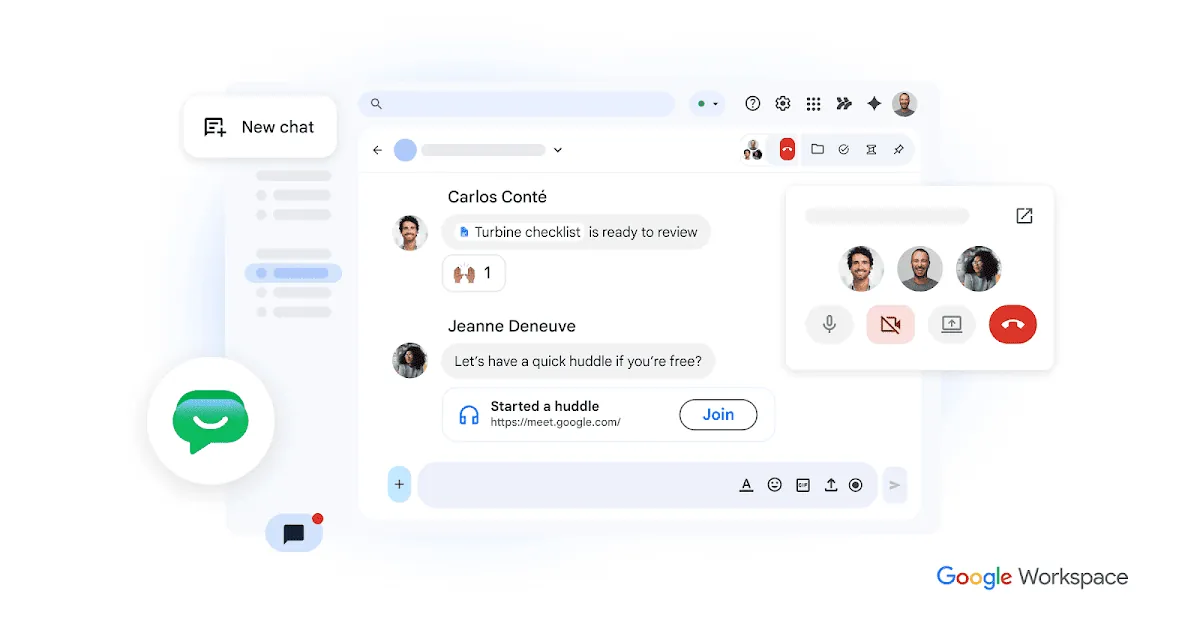
Pick Google Chat if your team already lives in Gmail and Google Docs. You don’t buy it separately: Chat is included in every Workspace plan3. Business Starter lists at $7/user/mo, Business Standard at $14 and Business Plus at $22, shown with the 1-year commitment option3. Starter includes 30 GB of pooled storage per user; Standard includes 2 TB3. Google runs introductory discounts, so the first months may cost less; check the price at checkout3.
Worked example: 25 people on Business Starter cost 25 × $7 = $175 a month, and that includes business email3.
Zenzap: free team chat with AI agents in the room

Pick Zenzap if you want team chat with built-in tasks and you’d rather not pay per seat. The Free plan is $0 for unlimited users, with group chats, DMs, to-dos, scheduled messages, 300 AI credits a month and 1 GB of storage4. Zenzap describes itself as a team chat where AI agents take action5, and its Business+ plan centers on those agents plus voice and video calls and 10 TB of storage4.
Paid plans are flat prices per team-size band, billed annually4:
- Lite (no AI): $51/mo for up to 20 users, $112/mo for up to 50.
- Business+: $179/mo for up to 20 users, $415/mo for up to 50.
Enterprise adds SAML, SCIM and SSO, encryption key management and audit logs4.
Troop Messenger: secure team chat you can self-host later
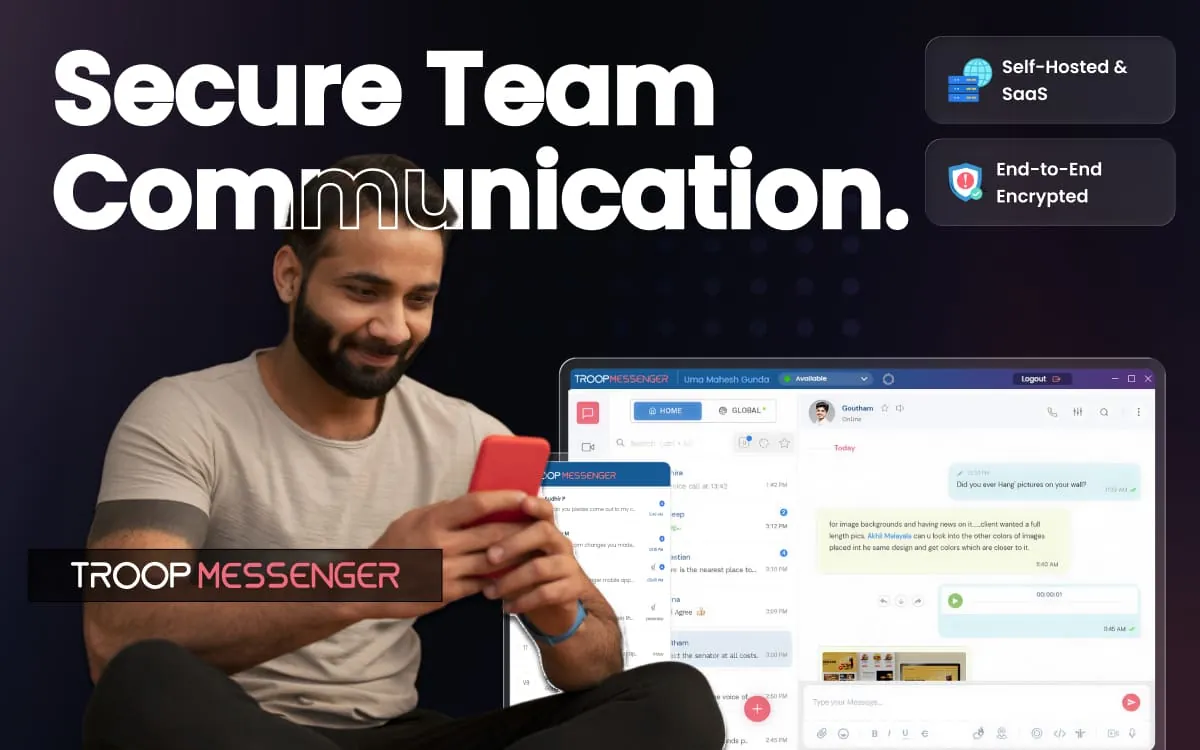
Pick Troop Messenger if secure team chat at the lowest seat price is the brief. Premium is $2.50/user/mo and Enterprise is $5/user/mo, and Troop says monthly and annual billing have the same rate in USD6. Premium covers unlimited group chats, audio and video calls and 150 GB of storage; Enterprise adds group calls, screen sharing, read receipts and 1 TB6. A Superior tier with SAML and message archiving is marked coming soon6.
The selling point for regulated teams is the exit path: you can move from the cloud to self-hosting on your own servers6. Worked example: 25 users on Premium cost $62.50 a month6. There’s a 7-day free trial6.
Simpplr: a dedicated intranet, priced by quote
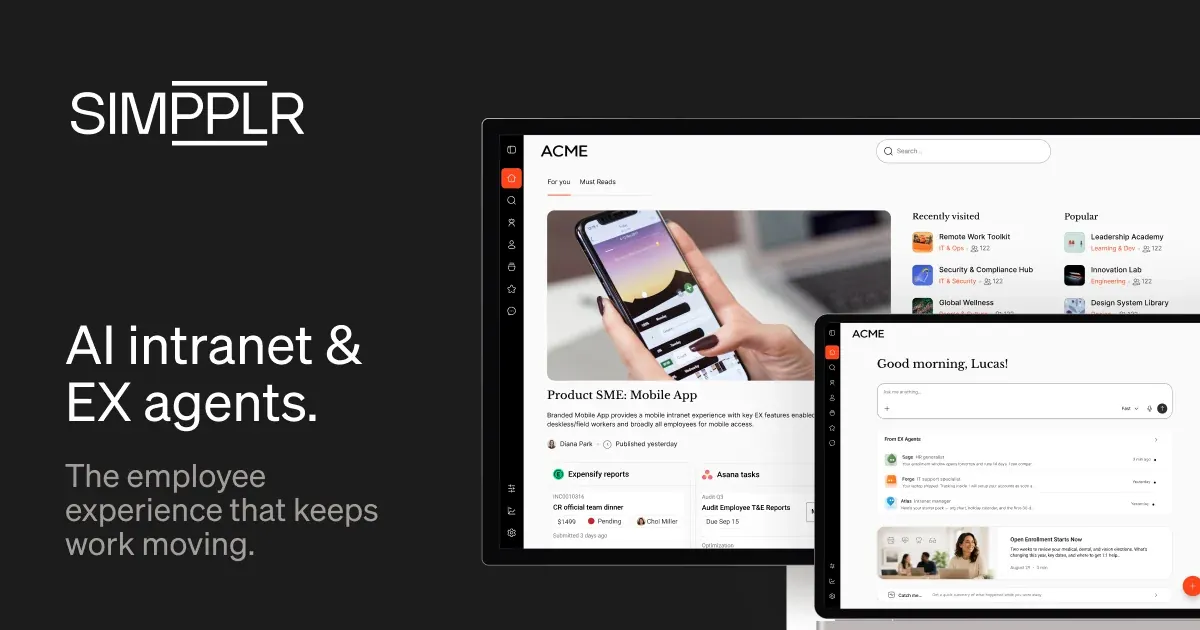
Pick Simpplr when chat is working but nobody can find the handbook. Simpplr sells an employee experience platform with volume-based pricing, and the subscription includes technical support, customer success oversight and training7. There’s no public price; the quote form starts at company sizes of 1 to 207. Plan on keeping your chat tool alongside it.
Workvivo: an intranet and social feed with chat as an add-on

Pick Workvivo if company news, recognition and knowledge matter as much as chat. Its HQ product lists news articles, newsletters, knowledge pages, document management, a people directory and org chart, surveys, single sign-on and user provisioning8. Chat, with messaging, voice and video powered by Zoom’s Video SDK, is an add-on8. Pricing is a custom quote8.
Staffbase: one platform for desk and frontline staff
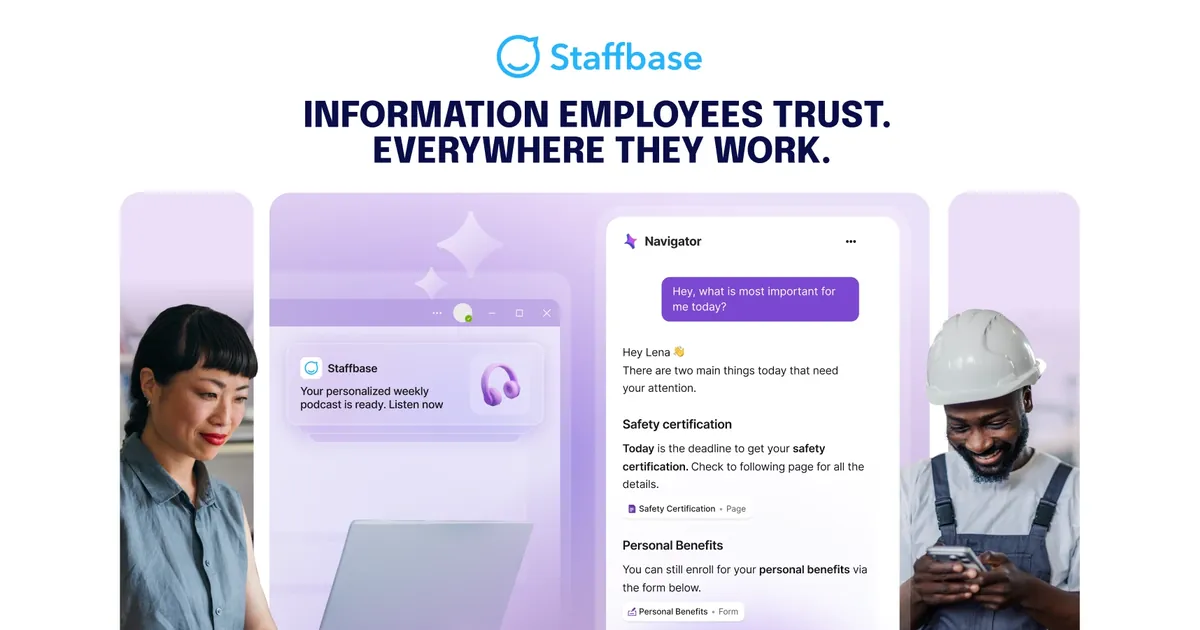
Pick Staffbase if you need one internal communications platform for both office and frontline employees. Its whole-workforce plan lists an app and web experience, unified publishing, an AI knowledge assistant and HRIS integration, with Microsoft integration and employee email as options9. Staffbase doesn’t publish prices; licenses are counted by users who can access it, billed annually, and admins and editors don’t count extra9.
Connecteam: a broadcast app for mixed office and field teams
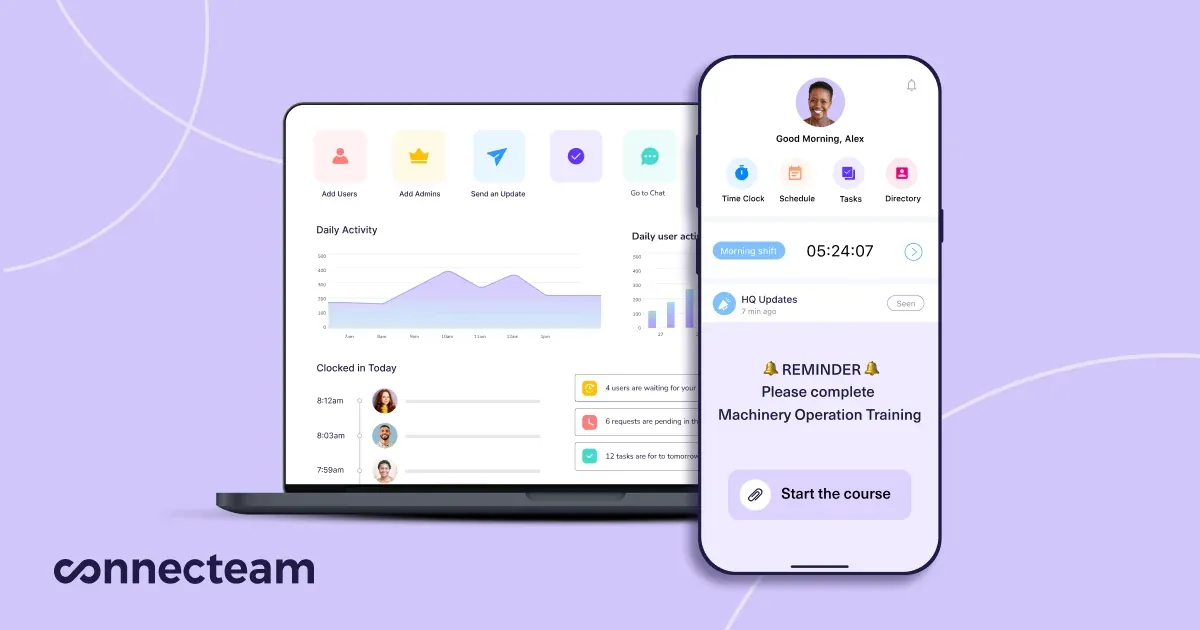
Pick Connecteam if part of your team is in the field and you need to push updates rather than run channels. Its Communications hub includes a company feed, chat, a directory, a knowledge base and surveys11. It’s free for up to 10 users, and the Basic tier is $29/mo billed yearly for the first 30 users10. For desk-based teams it’s a complement to chat, not a replacement; our deskless guide covers it in depth.
What to check before you commit
Team chat tools look alike in a demo. The differences show up in the plan limits, so check these four before you roll one out to the whole company:
- Message history. Slack’s free plan only keeps 90 days of messages searchable1. That’s fine for a trial, but a team that relies on old threads for decisions will hit it within a quarter.
- Single sign-on. If you manage logins through an identity provider, SSO is often the line between tiers. Slack puts SAML SSO on Business+ at $15/user/mo billed annually1, and Zenzap keeps SAML, SCIM and SSO for Enterprise4.
- Outside people. Agencies and small B2B teams talk to clients all day. Slack Pro lets channels include up to 250 outside organizations1, and Microsoft includes guest access with its Teams plans2.
- Billing basis. Per-seat tools charge for everyone; flat-band tools like Zenzap and Connecteam charge by team size410. Microsoft’s listed prices are for annual subscriptions2, and Troop Messenger charges the same rate monthly or yearly6, so a month-to-month trial costs the same there as a full year’s rate.
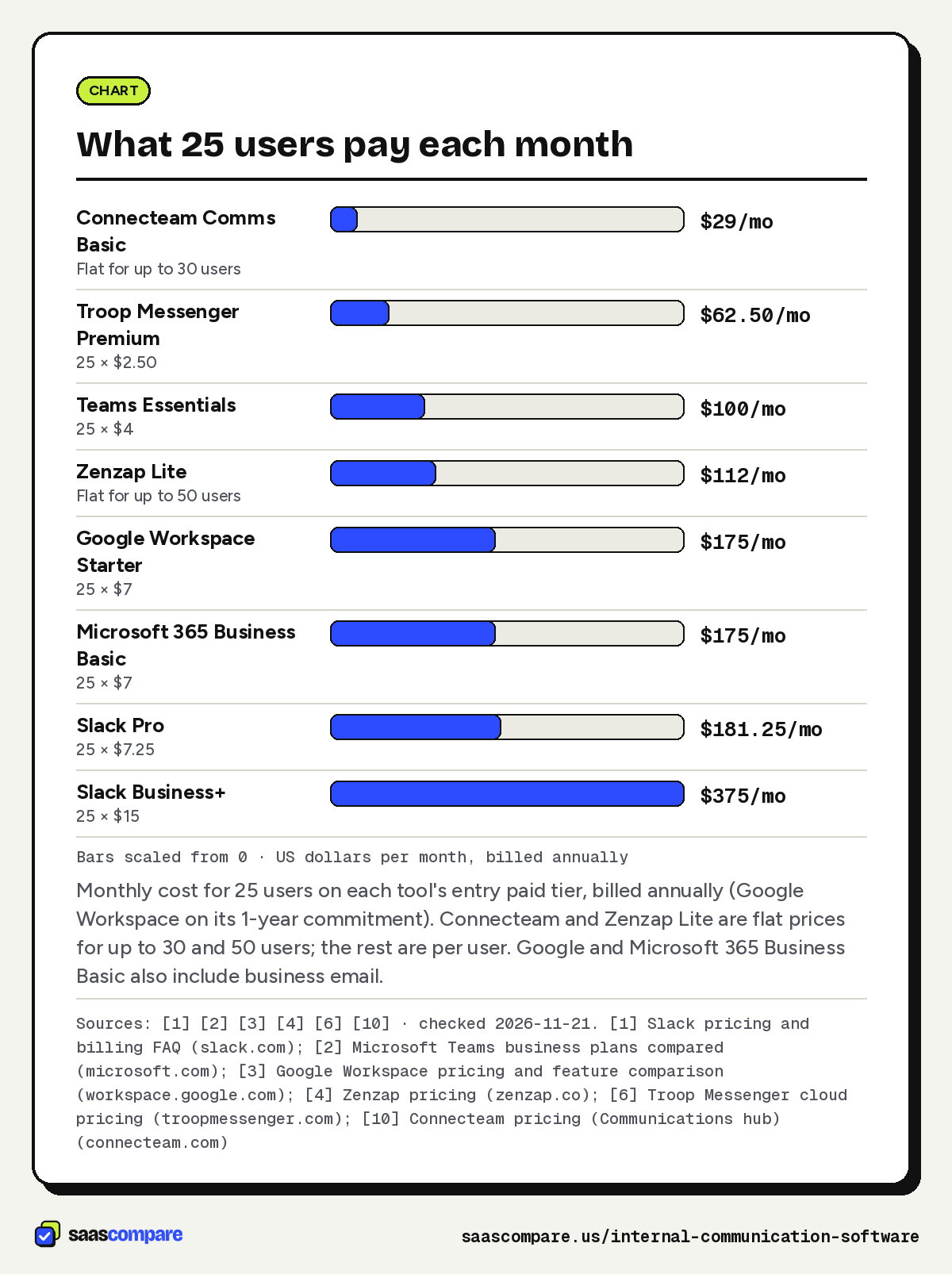
What 25 users pay each month
| Tool and plan | Pricing model | 25 users, per month |
|---|---|---|
| Connecteam Communications Basic | $29 flat for up to 30 users | $2910 |
| Troop Messenger Premium | $2.50 per user | $62.506 |
| Microsoft Teams Essentials | $4 per user, paid yearly | $1002 |
| Zenzap Lite | Flat, up to 50 users | $1124 |
| Google Workspace Business Starter | $7 per user, 1-year commitment | $1753 |
| Microsoft 365 Business Basic | $7 per user, paid yearly | $1752 |
| Slack Pro | $7.25 per user, billed annually | $181.251 |
| Slack Business+ | $15 per user, billed annually | $3751 |
Google Workspace and Microsoft 365 Business Basic also include business email, so compare them against what you’d pay for email anyway23. Simpplr, Workvivo and Staffbase are quote-only789.
Bars scaled from 0 · US dollars per month, billed annually
Monthly cost for 25 users on each tool’s entry paid tier, billed annually (Google Workspace on its 1-year commitment). Connecteam and Zenzap Lite are flat prices for up to 30 and 50 users; the rest are per user. Google and Microsoft 365 Business Basic also include business email.
Sources: [1] [2] [3] [4] [6] [10] · checked 2026-11-21Download image
How to choose
- Already on Microsoft 365: use Teams; Business Basic adds SharePoint team sites2.
- Already on Google Workspace: use Google Chat, which every plan includes3.
- Channels and integrations are the job: Slack Pro1.
- Free for everyone, with tasks and AI agents: Zenzap4.
- Secure team chat on a tight budget: Troop Messenger6.
- News and policies keep getting lost: add an intranet such as Simpplr or Workvivo78.
- Much of the team is deskless: Connecteam, and read our employee communication app guide10.
Read our editorial policy to see how we keep affiliate commissions out of these picks.
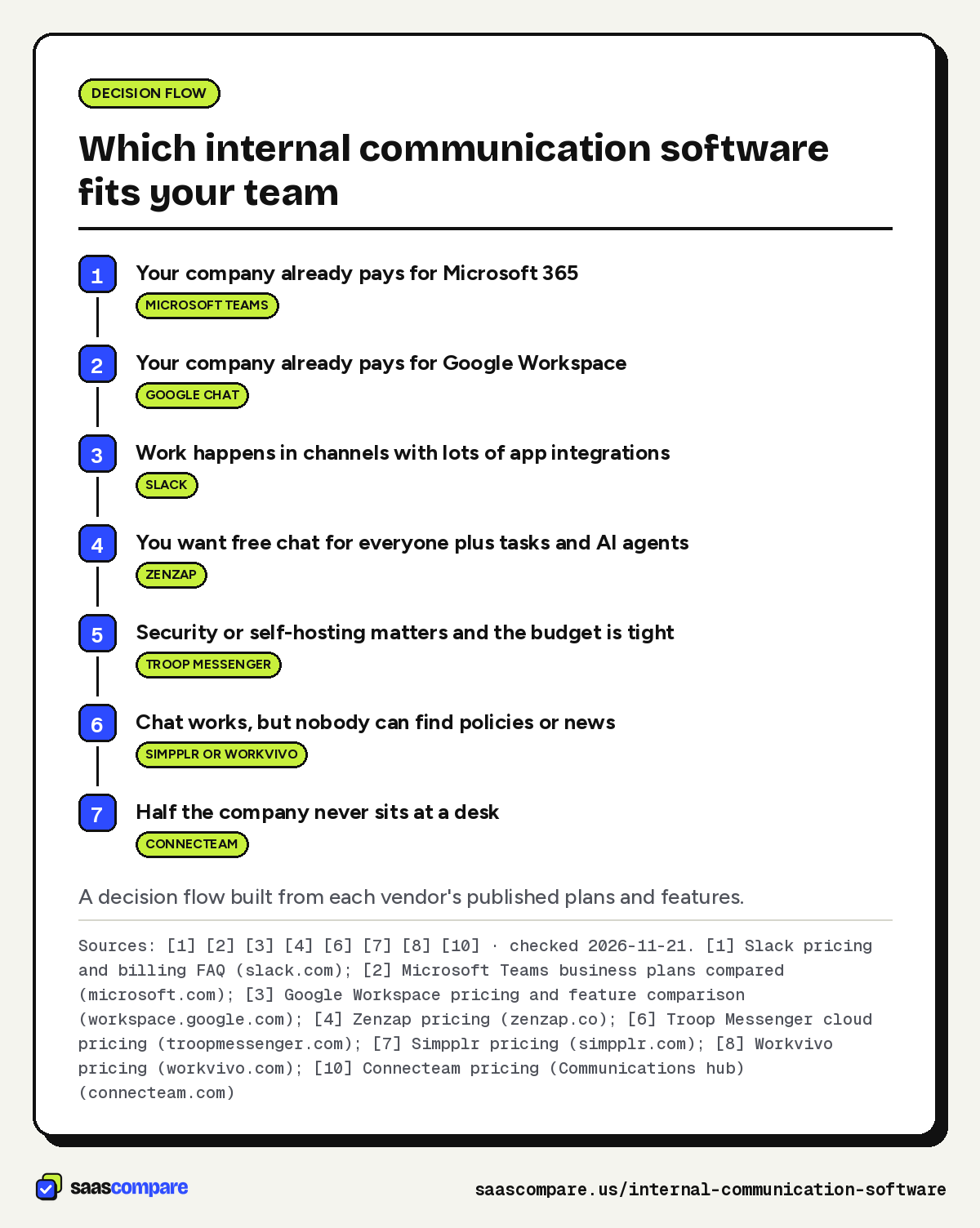
- Your company already pays for Microsoft 365Microsoft Teams
- Your company already pays for Google WorkspaceGoogle Chat
- Work happens in channels with lots of app integrationsSlack
- You want free chat for everyone plus tasks and AI agentsZenzap
- Security or self-hosting matters and the budget is tightTroop Messenger
- Chat works, but nobody can find policies or newsSimpplr or Workvivo
- Half the company never sits at a deskConnecteam
A decision flow built from each vendor’s published plans and features.
Sources: [1] [2] [3] [4] [6] [7] [8] [10] · checked 2026-11-21Download image
Plans
Plans and prices
Slack
Free
$0
Free forever · checked 2026-11-21
- 90 days of message history
- Up to 10 apps
- 1:1 huddles
Pro
$7.25/user/mo
Billed annually ($8.75 monthly) · checked 2026-11-21
- Unlimited message history
- Unlimited apps
- Group huddles
- Channels with up to 250 outside orgs
Business+
$15/user/mo
Billed annually ($18 monthly) · checked 2026-11-21
- SAML single sign-on
- SCIM user management
- Slackbot AI answers
Microsoft Teams
Teams Essentials
$4/user/mo
Paid yearly · checked 2026-11-21
- Chat
- calls and video meetings
- 10 GB storage per user
- Up to 300 participants
Microsoft 365 Business Basic
$7/user/mo
Paid yearly · checked 2026-11-21
- Teams
- SharePoint team sites
- Custom business email
- 1 TB storage per user
Business Standard with Copilot
$23.50/user/mo
Paid yearly · checked 2026-11-21
- Desktop Office apps
- Webinar hosting
- Copilot in apps
Google Chat
Business Starter
$7/user/mo
1-year commitment · checked 2026-11-21
- Google Chat
- Custom business email
- 30 GB pooled storage per user
Business Standard
$14/user/mo
1-year commitment · checked 2026-11-21
- Google Chat
- 2 TB pooled storage per user
- Gemini in Gmail
- Docs and Meet
Zenzap
Free
$0
Unlimited users · checked 2026-11-21
- Group chats and DMs
- Built-in to-dos
- 300 AI credits a month
- 1 GB storage
Lite
$112/mo
Up to 50 users, billed annually ($140 monthly) · checked 2026-11-21
- Voice and video calls
- Task checklists
- 100 GB storage
Business+
$179/mo
Up to 20 users, billed annually ($224 monthly) · checked 2026-11-21
- AI agents and workflows
- Call recording and transcription
- 10 TB storage
Troop Messenger
Premium
$2.50/user/mo
Same rate monthly or annually ($30/user/yr) · checked 2026-11-21
- Unlimited group chats
- Audio and video calls
- 150 GB storage
Enterprise
$5/user/mo
Same rate monthly or annually ($60/user/yr) · checked 2026-11-21
- Group calls
- Screen sharing
- Read receipts
- 1 TB storage
Strengths and limits
Strengths and limits
Strengths
- You pay only for members active in a 28-day window
- Shared channels with up to 250 outside organizations on Pro
Limits
- The free plan hides messages older than 90 days
- SSO needs Business+ at twice the Pro price
Microsoft Teams
Visit Microsoft Teams (opens in a new tab)Strengths
- Business Basic adds SharePoint team sites, a basic intranet
- Guest access included in the Microsoft 365 plans with Teams
Limits
- Prices shown are for annual subscriptions only
- Sold for up to 300 users
Google Chat
Visit Google Chat (opens in a new tab)Strengths
- Chat is included in every Workspace plan
- 14-day free trial
Limits
- Not sold on its own; you buy the whole Workspace suite
- Introductory discounts change, so check the price at checkout
Strengths
- Free plan with no user cap
- Flat price per team-size band, not per seat
Limits
- SAML, SCIM and audit logs are Enterprise-only
- Free storage is only 1 GB
Troop Messenger
Visit Troop Messenger (opens in a new tab)Strengths
- Lowest published per-user price here
- Can move to self-hosting on your own servers
Limits
- No annual discount
- SAML and message archiving wait for the Superior tier, marked coming soon
Strengths
- Subscription includes support, customer success and training
- Quotes start from company sizes of 1 to 20
Limits
- No published prices
- An intranet, so you still need a chat tool
Workvivo
Visit Workvivo (opens in a new tab)Strengths
- Knowledge pages, people directory and org chart in the core product
- SSO and user provisioning included in HQ
Limits
- No published prices
- Chat is a separate add-on
Staffbase
Visit Staffbase (opens in a new tab)Strengths
- Whole-workforce plan covers app and web intranet together
- Admins and editors don't count as extra licenses
Limits
- No published prices
- Microsoft integration and employee email are optional extras
Connecteam
Visit Connecteam (opens in a new tab)Strengths
- Feed, chat, directory and knowledge base in one mobile app
- Flat price for the first 30 users
Limits
- Built for deskless teams, so desk workers may miss channels and deep app integrations
- Read confirmations sit on the Expert tier
FAQ
Questions people ask
What counts as internal communication software?
What is the cheapest internal communications platform for a small team?
Do I need an intranet if we already use Slack or Teams?
Which team chat tools work for secure team chat?
Does Slack charge for people who stop using it?
No. Slack counts members as active for billing if they take an action within a 28-day period, and adds a credit when someone you already paid for becomes inactive1.
Sources
Sources
Small numbers in the text, like 1, point here. Each source shows the date we last checked it.
- 1Slack pricing and billing FAQslack.com
- 2Microsoft Teams business plans comparedmicrosoft.com
- 3Google Workspace pricing and feature comparisonworkspace.google.com
- 4Zenzap pricingzenzap.co
- 5Zenzap home pagezenzap.co
- 6Troop Messenger cloud pricingtroopmessenger.com
- 7Simpplr pricingsimpplr.com
- 8Workvivo pricingworkvivo.com
- 9Staffbase pricing plansstaffbase.com
- 10Connecteam pricing (Communications hub)connecteam.com
- 11Connecteam Communications hub featuresconnecteam.com
Updated . See something out of date? Tell us and we will check it against the vendor's page.